Organization Management
Organization page tabs
Section titled “Organization page tabs”Available tabs:
- Overview
- Members
- User Stats
- Invites
- Audit
Some tabs and controls are owner-only.
Screenshot: Organization overview
Section titled “Screenshot: Organization overview”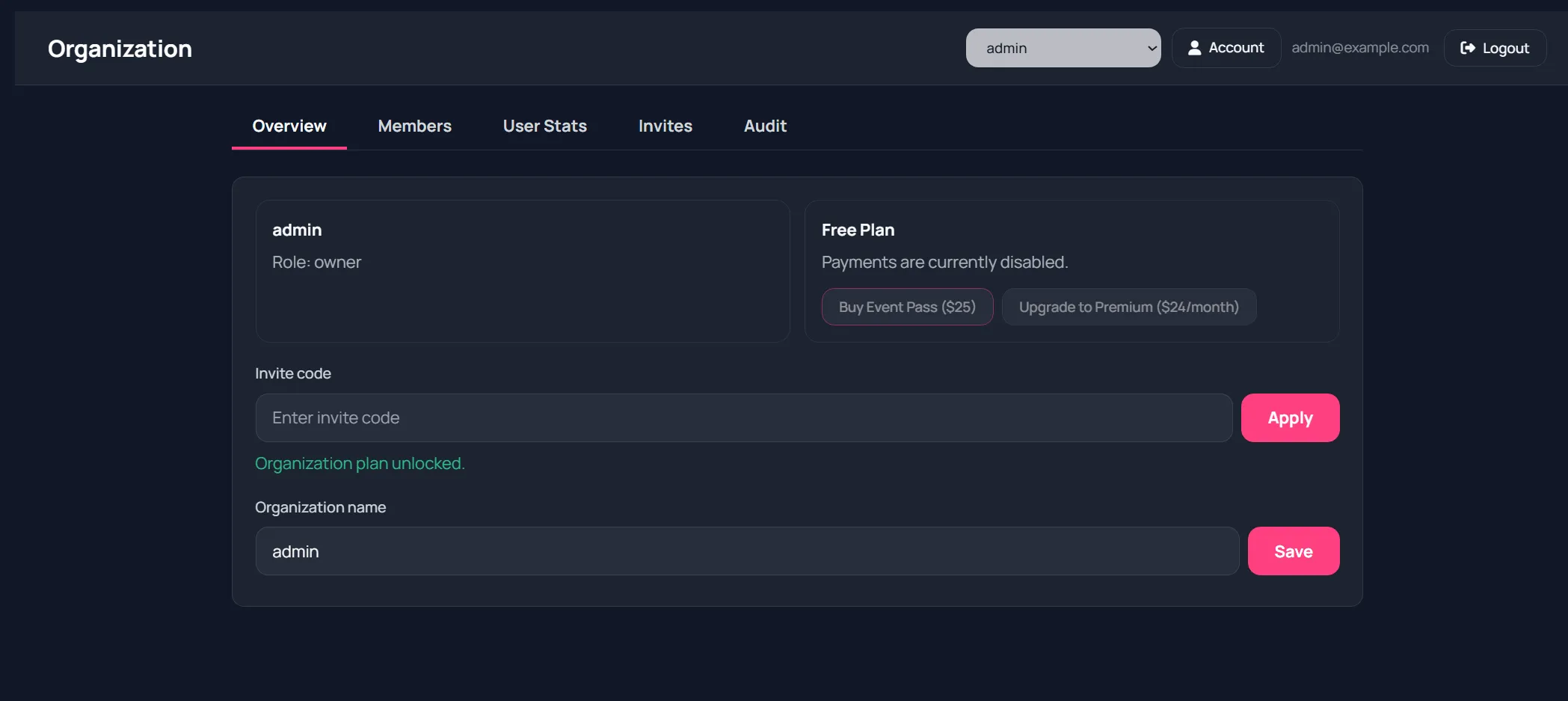
Supported roles:
- owner
- admin
- member
- billing
Typical permissions from UI behavior:
- Owner: full org management, billing controls, owner-only tabs
- Admin: operational feature usage and some member-management actions if allowed
- Member: normal feature usage
- Billing: billing-oriented access
Members tab
Section titled “Members tab”For org managers:
- View all members
- Change role per member
- Remove member
Screenshot: Members tab
Section titled “Screenshot: Members tab”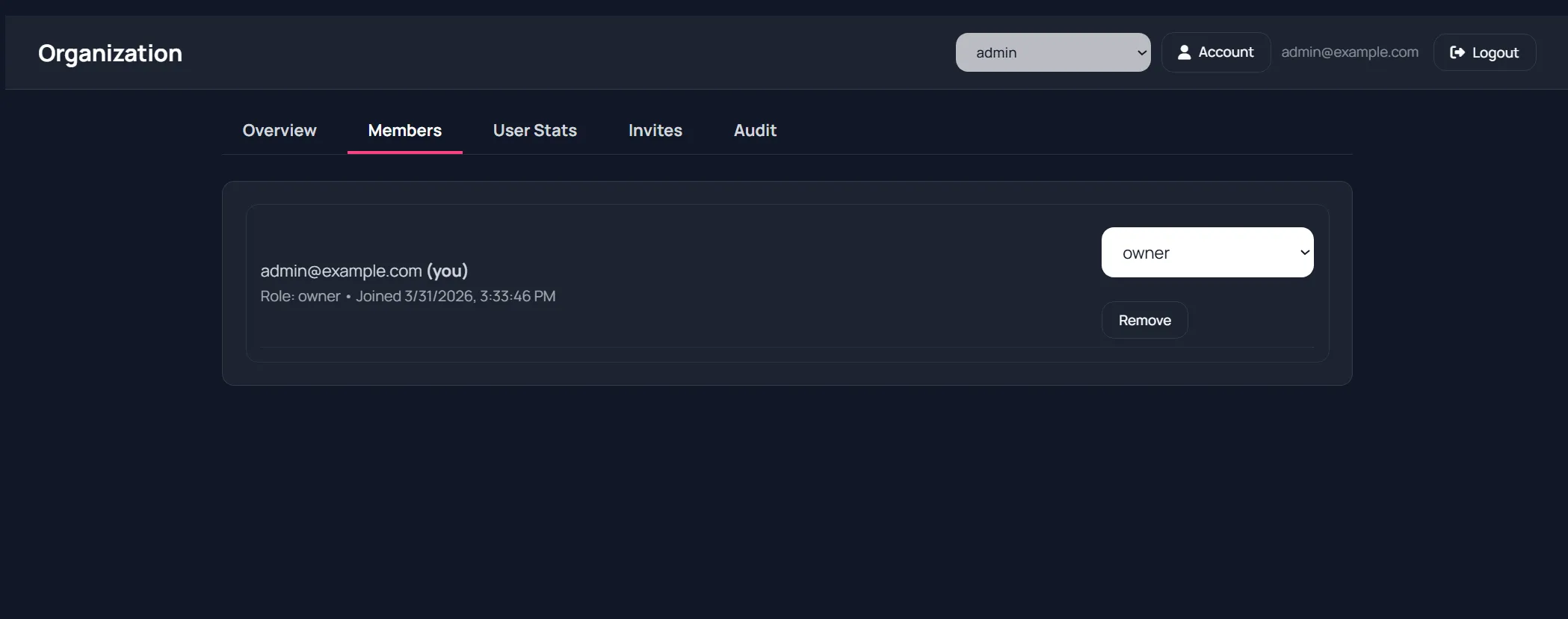
Invites tab
Section titled “Invites tab”Invite teammates by:
- Enter email.
- Select role.
- Send invite.
You can also:
- Resend invite
- Revoke invite
- Copy latest generated invite link
Screenshot: Invites tab
Section titled “Screenshot: Invites tab”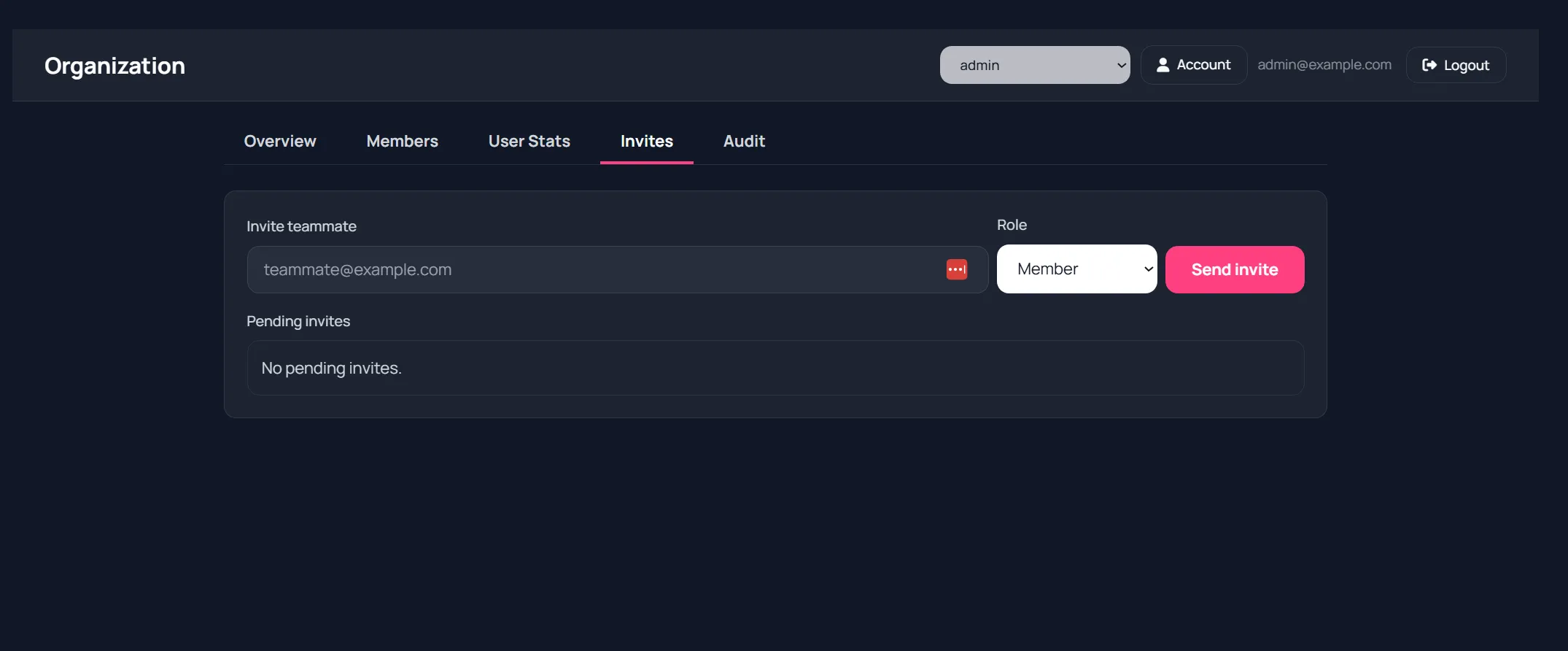
User Stats tab
Section titled “User Stats tab”Owner-focused usage summary by member, including feature counts.
Useful for planning and governance inside larger organizations.
Screenshot: User stats tab
Section titled “Screenshot: User stats tab”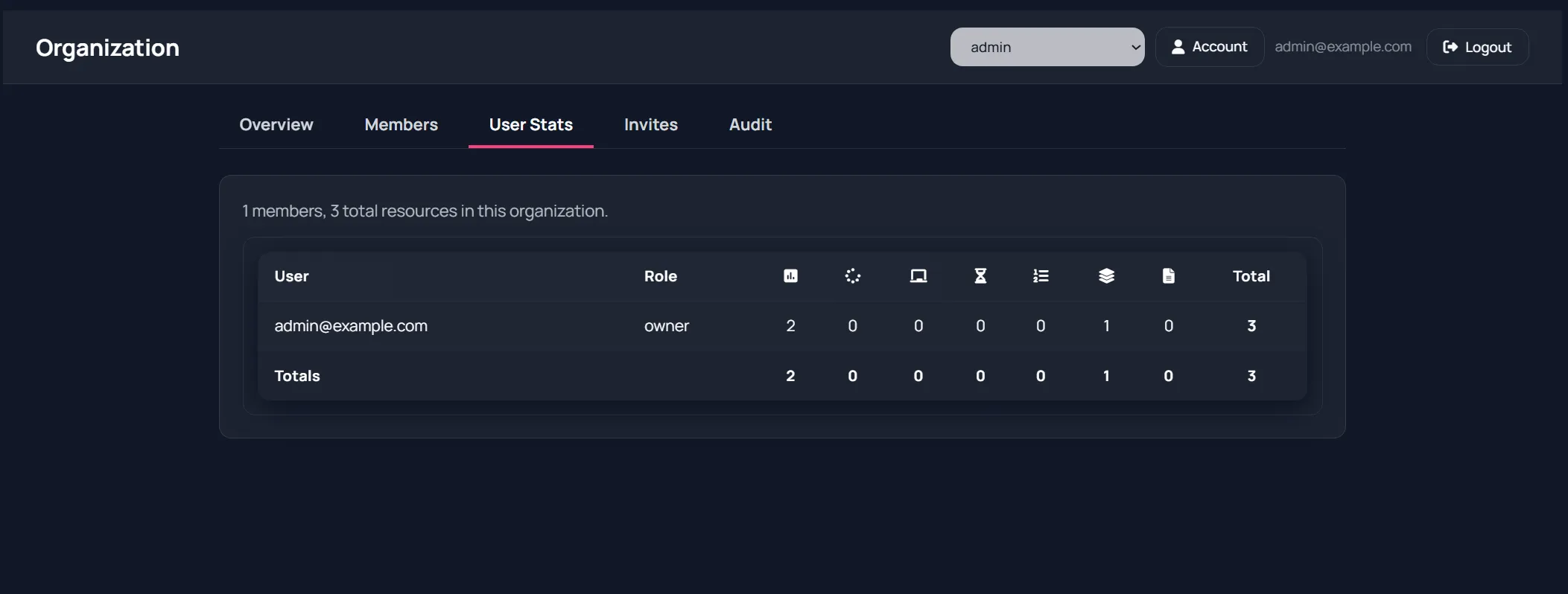
Audit tab
Section titled “Audit tab”Shows organization-level event history (role changes, membership actions, etc.).
Use this for transparency and change tracking.
Organization name updates
Section titled “Organization name updates”Owners can rename the organization in Overview.
The new name is reflected in switchers and account views.