Whiteboard Boards
List page
Section titled “List page”Boards page supports:
- Create board
- Search and sort
- Edit board metadata
- Delete board
Board cards open the whiteboard control page first (links, QR, preview, and editor button).
Screenshot: Whiteboard control page
Section titled “Screenshot: Whiteboard control page”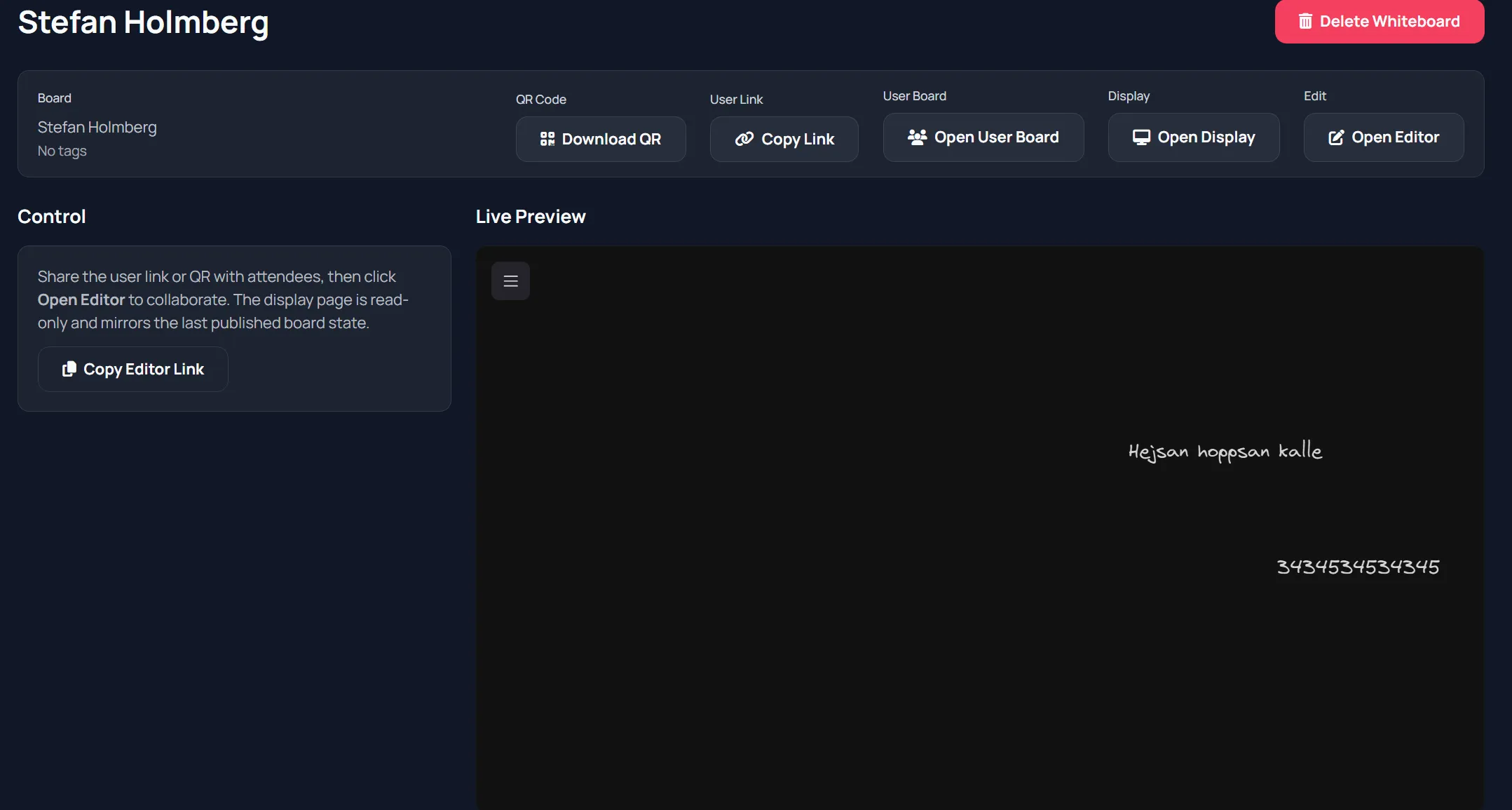
Editor surface
Section titled “Editor surface”The board editor uses Excalidraw and supports collaborative drawing content persisted in board state.
Typical usage:
- Open board from list.
- Copy/share user link and QR from the control page.
- Click Open Editor.
- Draw and annotate during facilitation.
- Continue editing over time.
Screenshot: Whiteboard editor
Section titled “Screenshot: Whiteboard editor”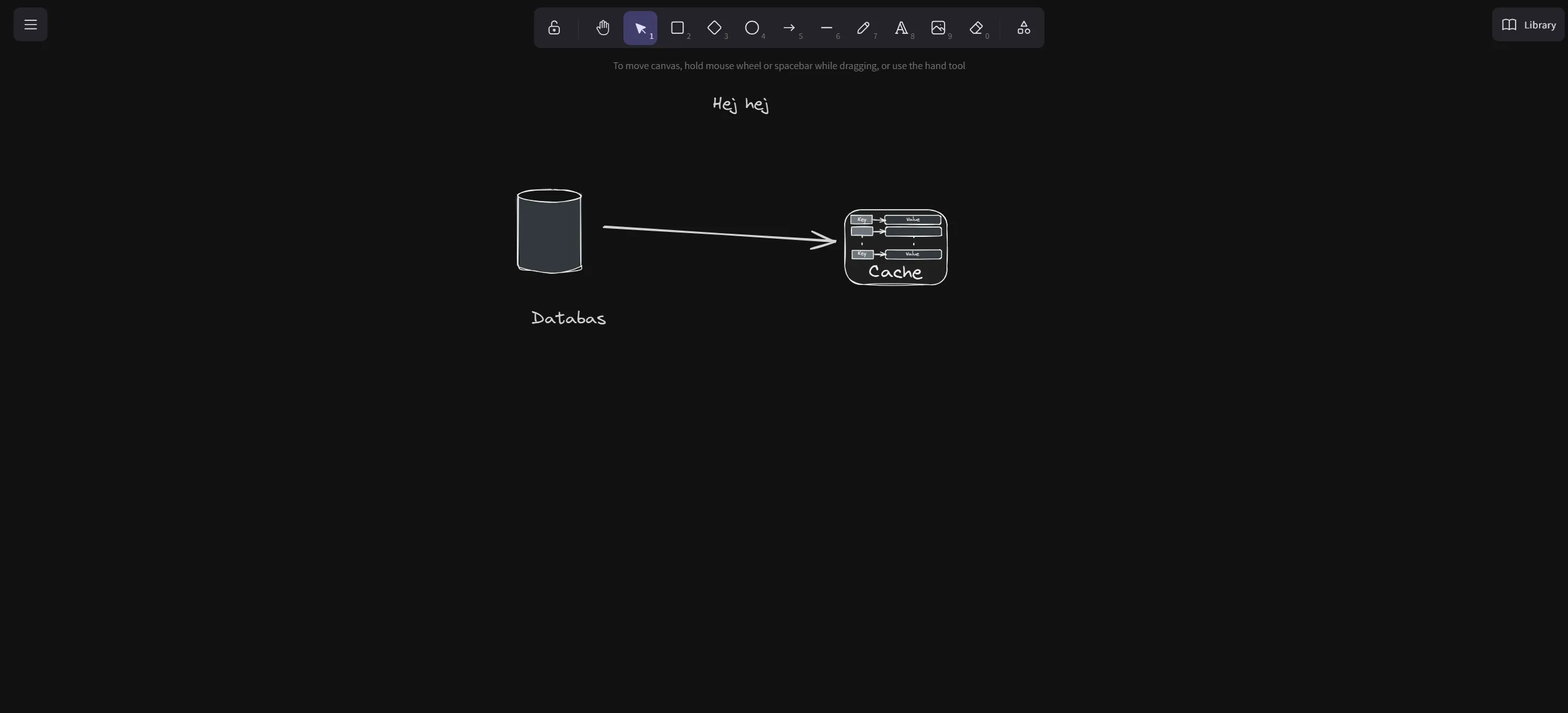
Display page
Section titled “Display page”Display Board page is read-only and intended for audience/projection view.
It refreshes from board state updates so viewers can follow along.
Session integration note
Section titled “Session integration note”When used inside Sessions, board steps can point users to board links or snapshots depending on configuration.
- Keep one facilitator actively editing to avoid chaos.
- Use display page for passive audiences.
- Tag boards by workshop/topic for easier retrieval later.