Live Polls
List page
Section titled “List page”Live Polls list supports:
- Create poll (title + optional tags)
- Search by title/tag
- Sort by name or created date
- Edit existing poll metadata
Screenshot: Live Poll list
Section titled “Screenshot: Live Poll list”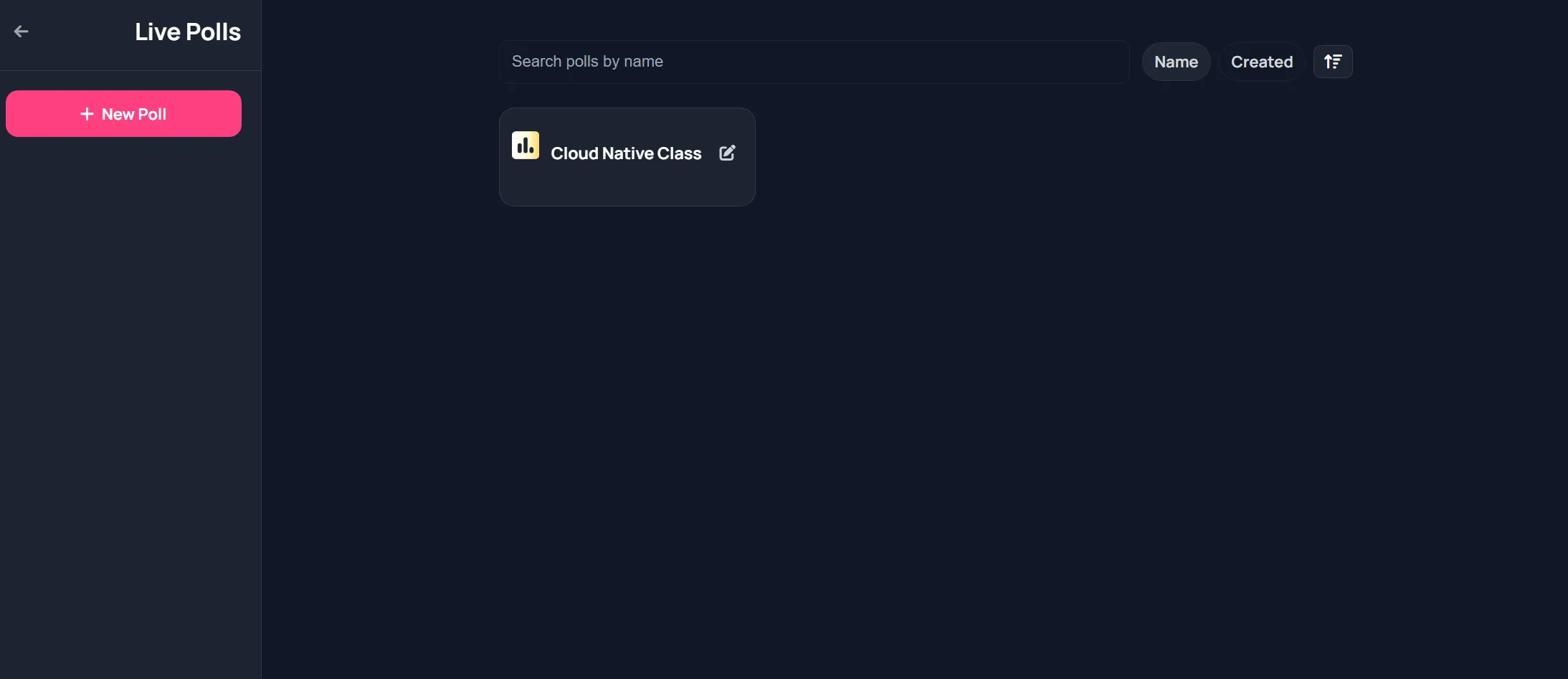
Poll detail workspace
Section titled “Poll detail workspace”Tabs:
- Live
- Questions
- Results
Top actions:
- Reset Votes
- Delete Poll
Screenshot: Poll detail workspace
Section titled “Screenshot: Poll detail workspace”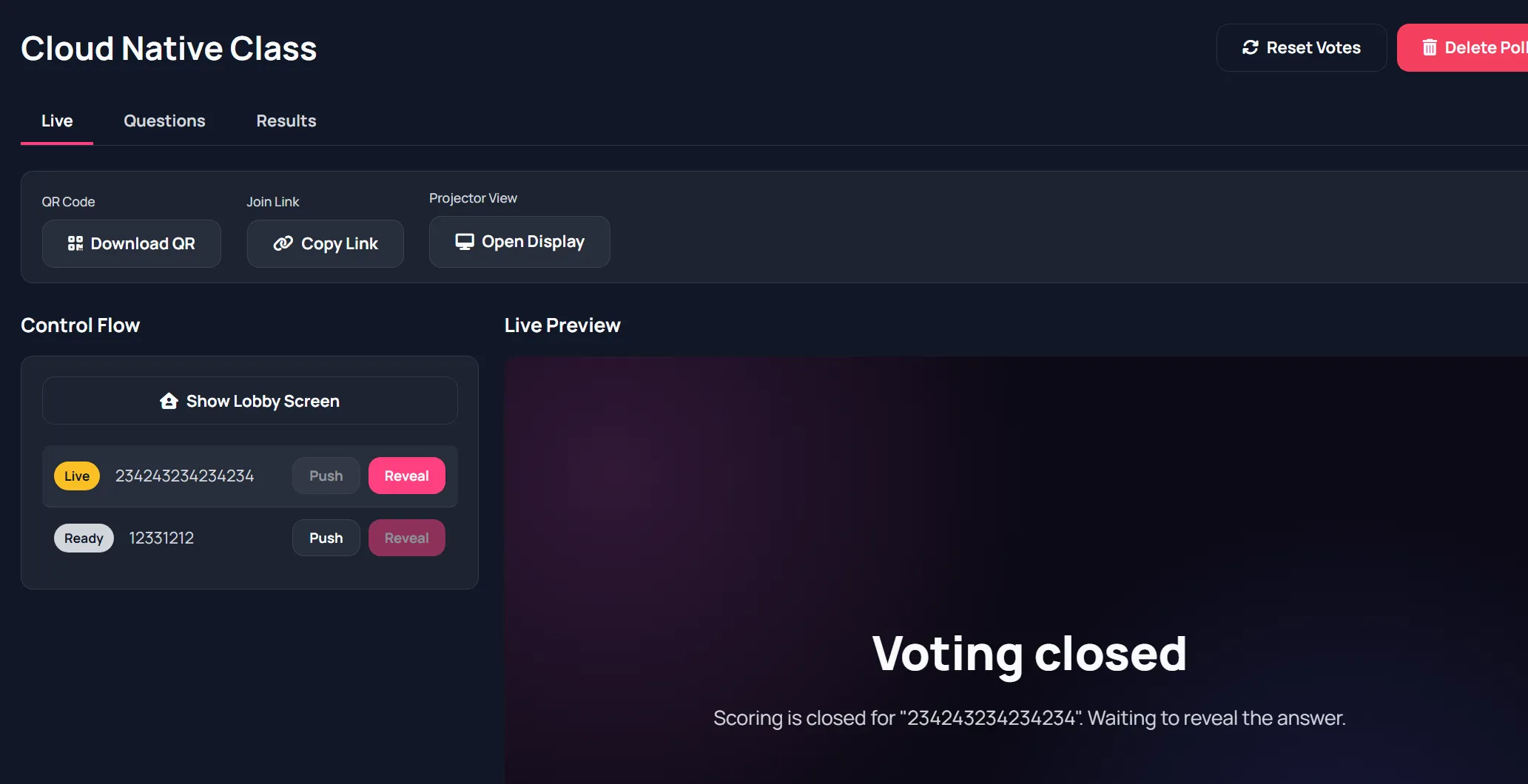
Live tab controls
Section titled “Live tab controls”- Download QR
- Copy join link
- Open display view
- Show lobby screen
- Push question live
- Reveal results
Question builder
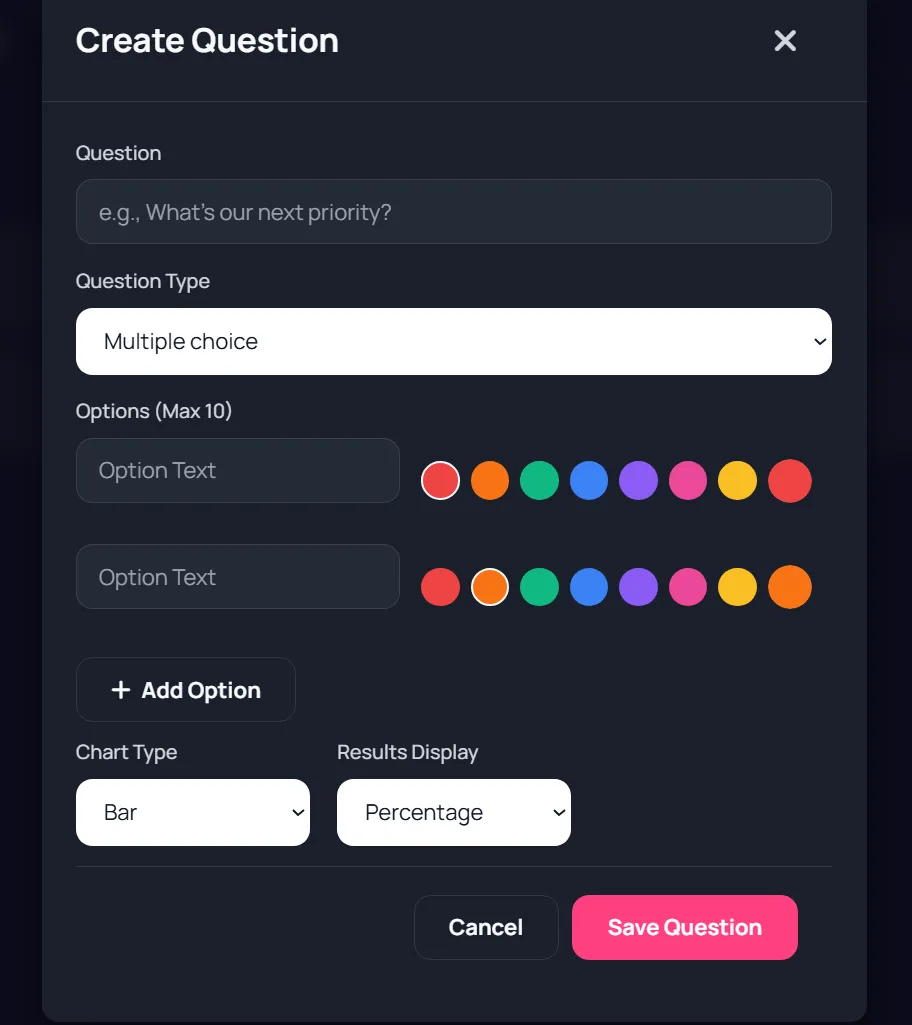
Section titled “Question builder”Supported types:
- Choice
- Choice with correct answer (quiz style)
- Text
For options, you can set colors and correct answer when quiz mode is used.
Screenshot: Question editor examples
Section titled “Screenshot: Question editor examples”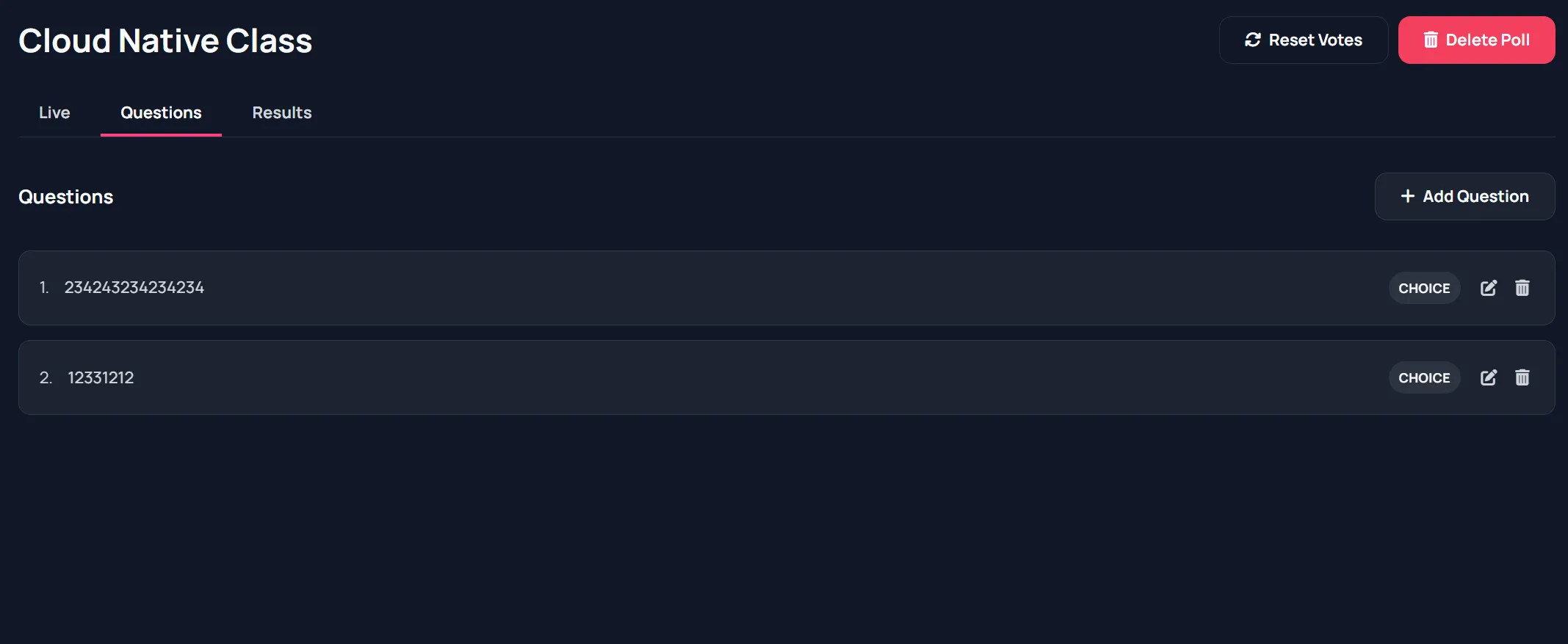
Audience and display flow
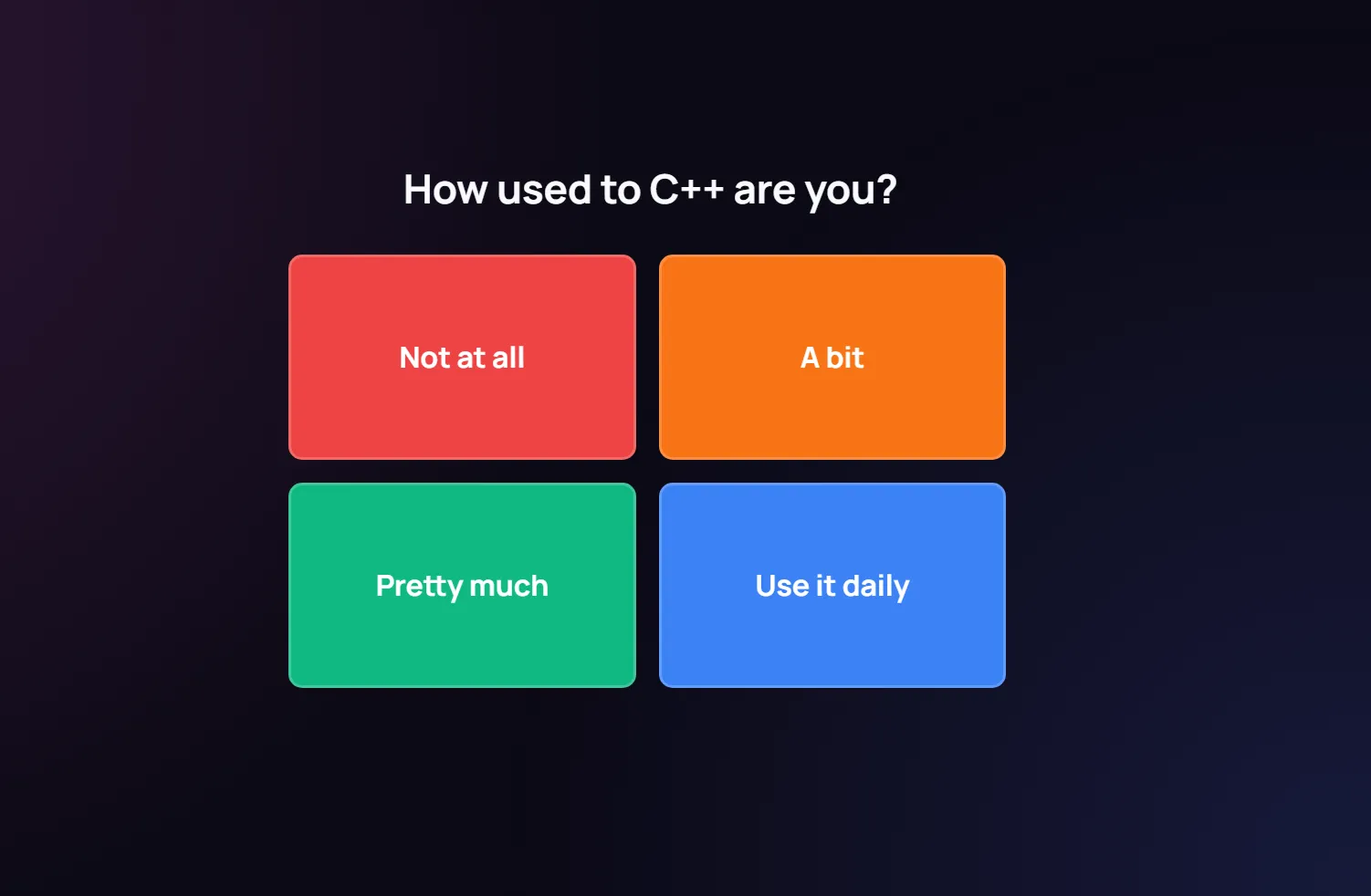
Section titled “Audience and display flow”Audience page: vote flow with lobby, question, voted, closed, results.
Display page: projector view with QR on lobby and visual results.
Screenshot: Audience join and vote
Section titled “Screenshot: Audience join and vote”
Results and analytics
Section titled “Results and analytics”- Chart-based results for choice questions
- Correct answer highlighting for quiz questions
- Word cloud or response list for text questions
Screenshot: Poll results
Section titled “Screenshot: Poll results”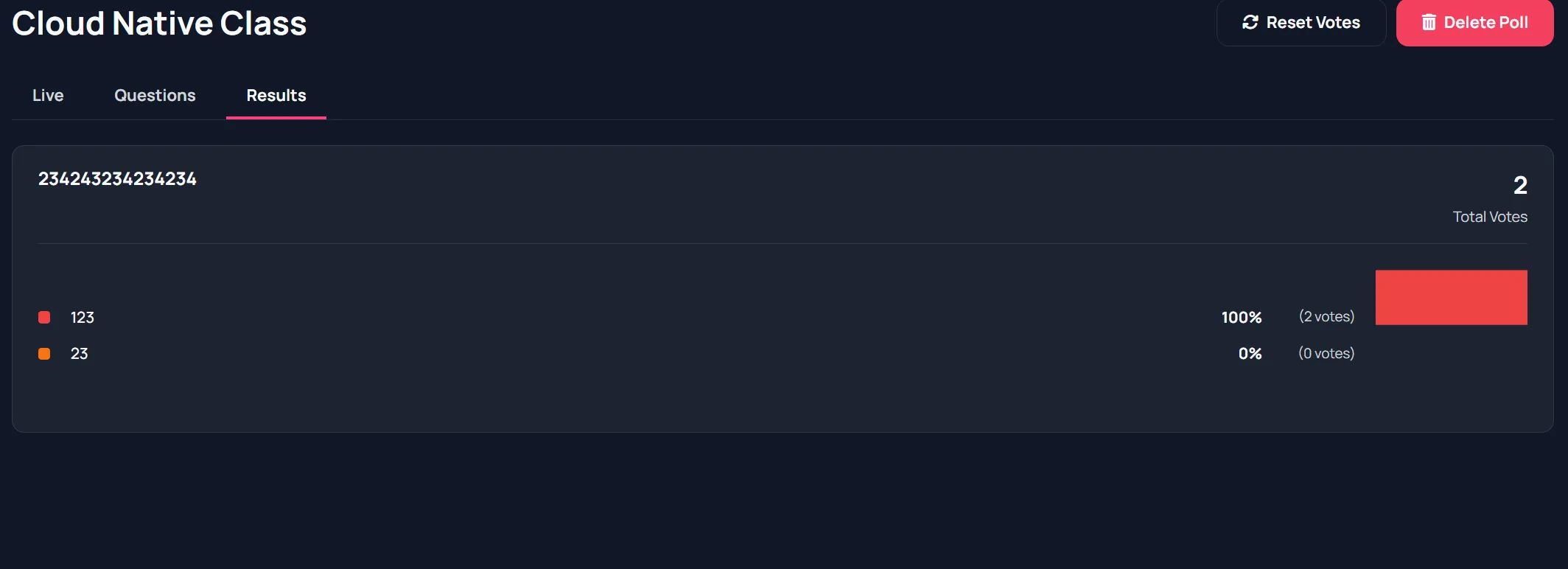
Typical host sequence
Section titled “Typical host sequence”- Build question set.
- Show lobby.
- Push question.
- Wait for responses.
- Reveal results.
- Continue to next question.