Dashboard Overview
Launcher layout
Section titled “Launcher layout”After login, the launcher is your command center.
Main navigation cards:
- Live Polls
- SparkQuiz
- Wheels
- Forms
- Break Countdowns
- Collective Votings
- Sessions (God Control)
- Whiteboard
- Slides
- Exit Tickets
- Planning Poker
- Quizzes
- Lesson Decks
Header actions:
- Organization switcher
- Organization settings
- Account
- Logout
- Admin-only Stats and Plans buttons (visible for admin users)
Screenshot: Dashboard launcher
Section titled “Screenshot: Dashboard launcher”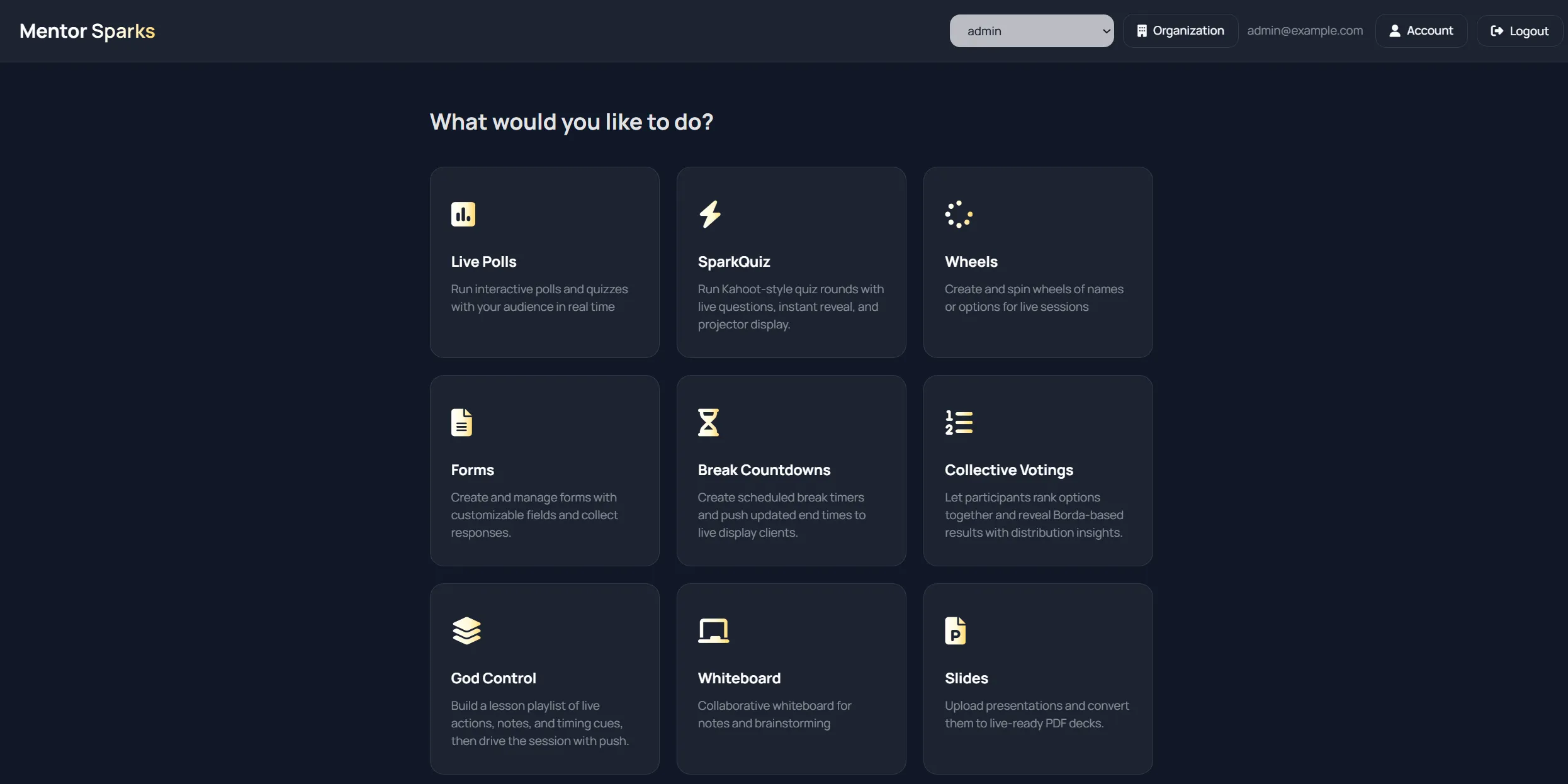
Shared pattern across features
Section titled “Shared pattern across features”Most features follow the same flow:
- Open feature list page.
- Create item (title plus optional metadata like tags/options).
- Open item detail page.
- Share audience link/QR and optionally open display view.
- Run live controls (push, reveal, spin, reset, clear, etc.).
Search and sorting
Section titled “Search and sorting”Most list pages provide:
- Search input (title and often tag search)
- Sort chips (name or created date)
- Asc/desc toggle
Detail pages and live operation
Section titled “Detail pages and live operation”Typical detail page capabilities:
- Edit content/configuration
- Open live display in a new tab
- Copy audience/display link
- Download QR code for quick join
- Reset live data or delete the item
Real-time updates
Section titled “Real-time updates”MentorSparks uses real-time streams for live sync.
That means participants and displays update quickly when host actions happen.
Organization context matters
Section titled “Organization context matters”API calls use your active organization.
Before creating new resources, confirm the selected organization in the header dropdown.