Run Your First Session
10-minute quickstart
Section titled “10-minute quickstart”- Sign in.
- Open Live Polls.
- Create a poll.
- Open the poll detail page.
- Add at least one question.
- Open Display.
- Share audience link or QR.
- Push a question.
- Reveal results.
- Reset or move to the next activity.
Recommended first agenda
Section titled “Recommended first agenda”Use this sequence to test multiple engagement modes quickly:
- SparkQuiz warm-up question
- Live Poll pulse check
- Planning Poker estimation round
- Break Countdown during pause
- Collective Voting for prioritization
- Exit Ticket close-out
- Session playlist for multi-step orchestration
Screenshot: Session user flow
Section titled “Screenshot: Session user flow”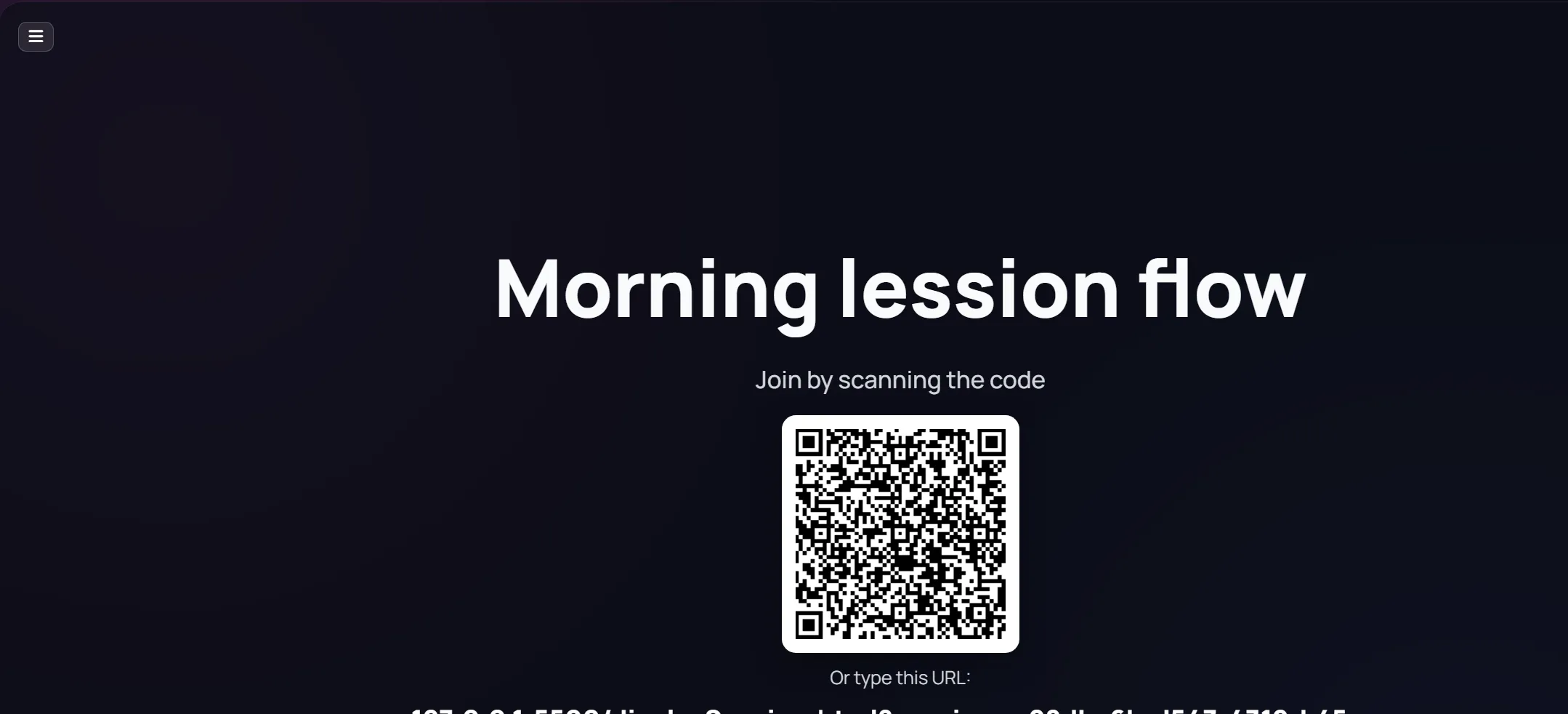
Host setup checklist
Section titled “Host setup checklist”Before participants join:
- Verify organization context
- Confirm internet stability
- Pre-open display tab on projector/second screen
- Keep one host control tab per activity
- Test one participant flow from another device
Common first-session mistakes
Section titled “Common first-session mistakes”- Opening the wrong display page for the activity
- Sharing host/admin URL instead of audience/display URL
- Forgetting to push content live
- Staying in draft state without reveal
After the session
Section titled “After the session”- Review results tabs
- Reset data if you want to reuse the same item
- Save key decks/forms/sessions for next event