Wheels
List page
Section titled “List page”Wheels supports:
- Create wheel
- Search and sort
- Edit and delete from list
Create/edit fields:
- Title
- Up to two tags
- Options (one line per option)
- Public toggle
Wheel detail page
Section titled “Wheel detail page”Main controls:
- Save wheel options
- Spin wheel
- Delete wheel
- Share link / QR
- Open display
Screenshot: Wheel admin page
Section titled “Screenshot: Wheel admin page”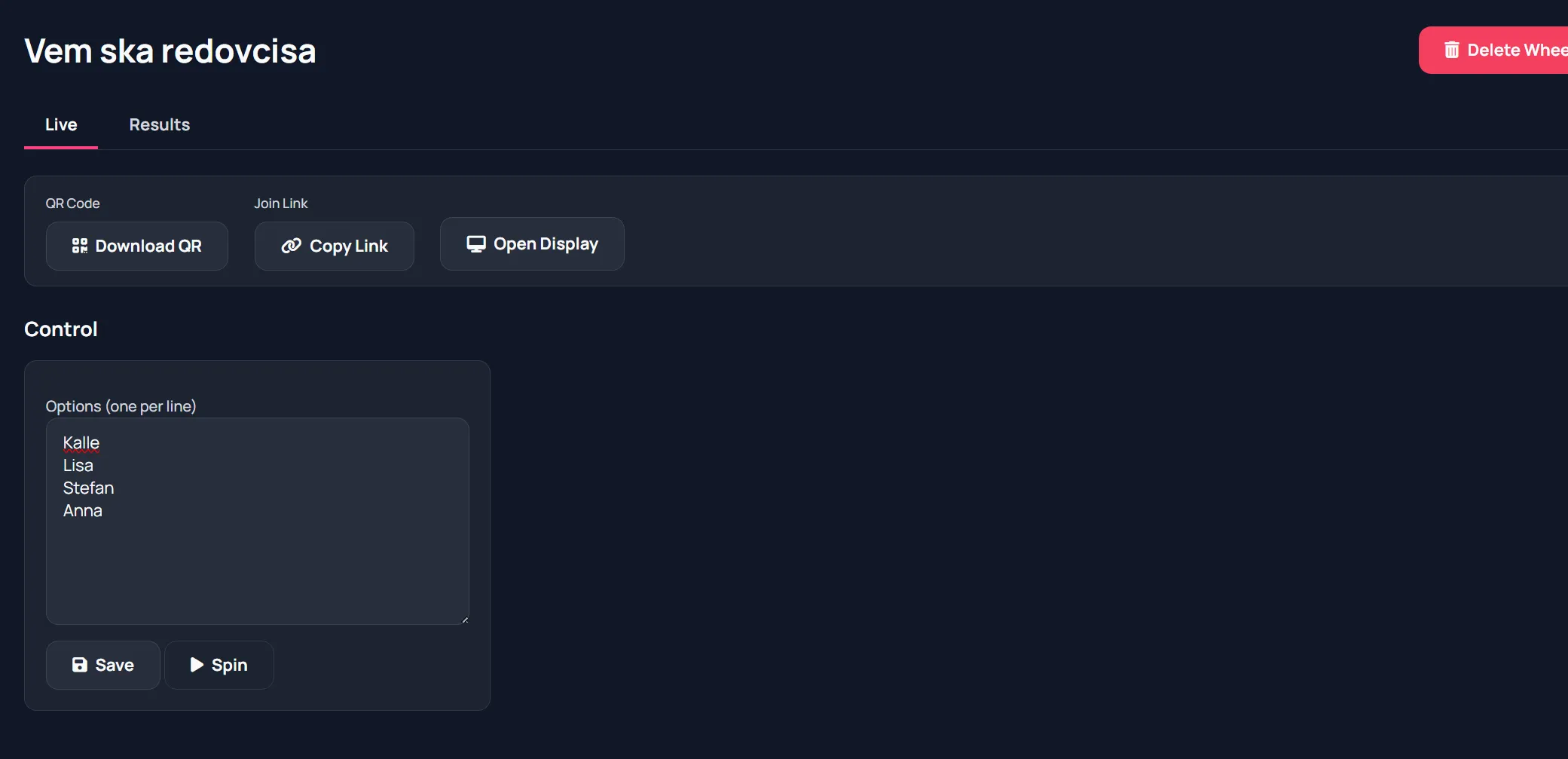
Live operation
Section titled “Live operation”A typical run:
- Enter candidate names/options.
- Save.
- Open display on projector.
- Press Spin.
- Announce winner and repeat.
Display behavior
Section titled “Display behavior”Display page shows animated wheel and winner result.
Screenshot: Wheel spinning for users
Section titled “Screenshot: Wheel spinning for users”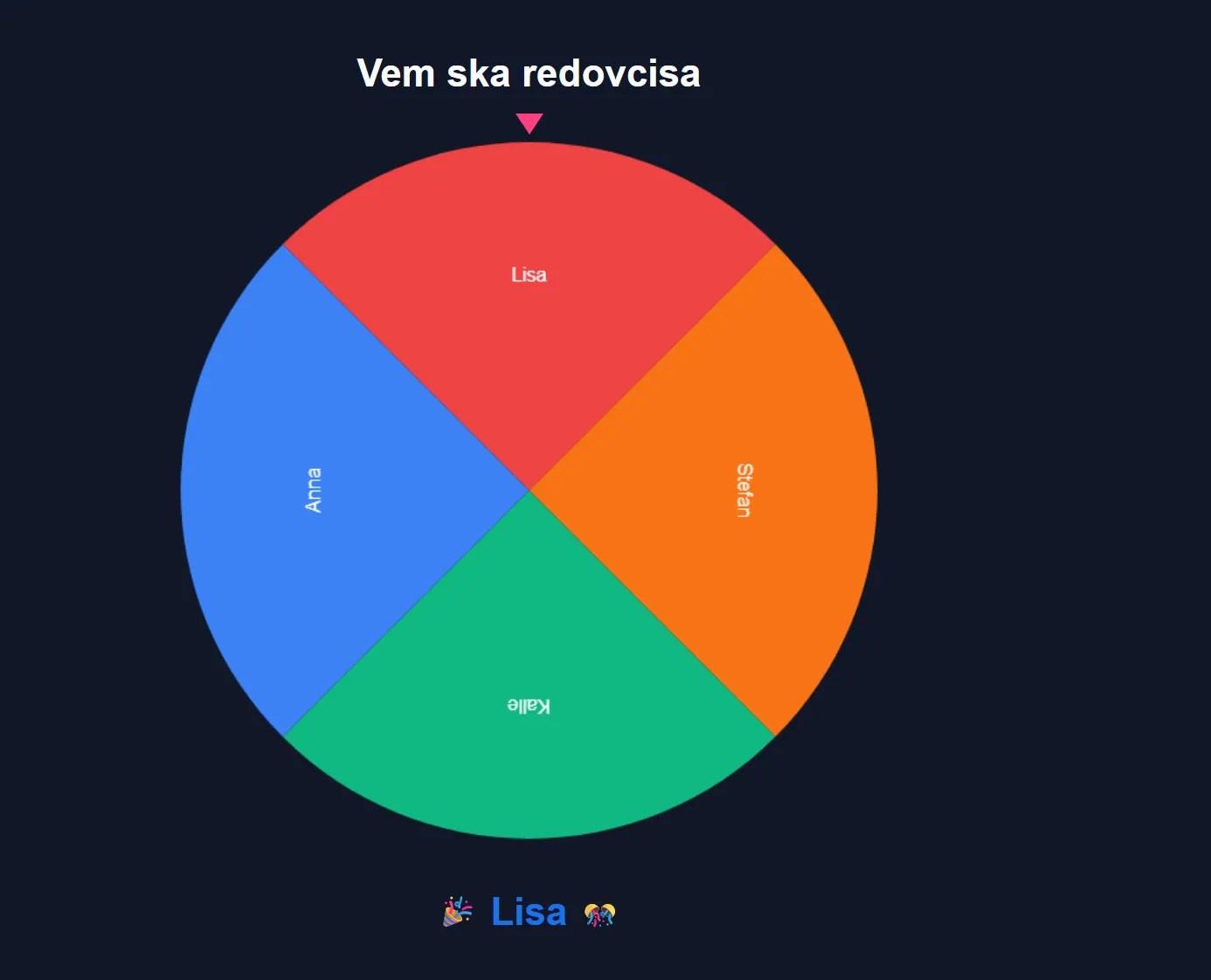
It syncs spin events from host actions.
- Save before spin if you changed options.
- Use concise option labels for better readability on wheel slices.