Forms
List page
Section titled “List page”Forms list supports:
- Create form (title + optional tags)
- Search and sorting
- Edit form metadata
Form detail tabs
Section titled “Form detail tabs”- Live
- Fields
- Results
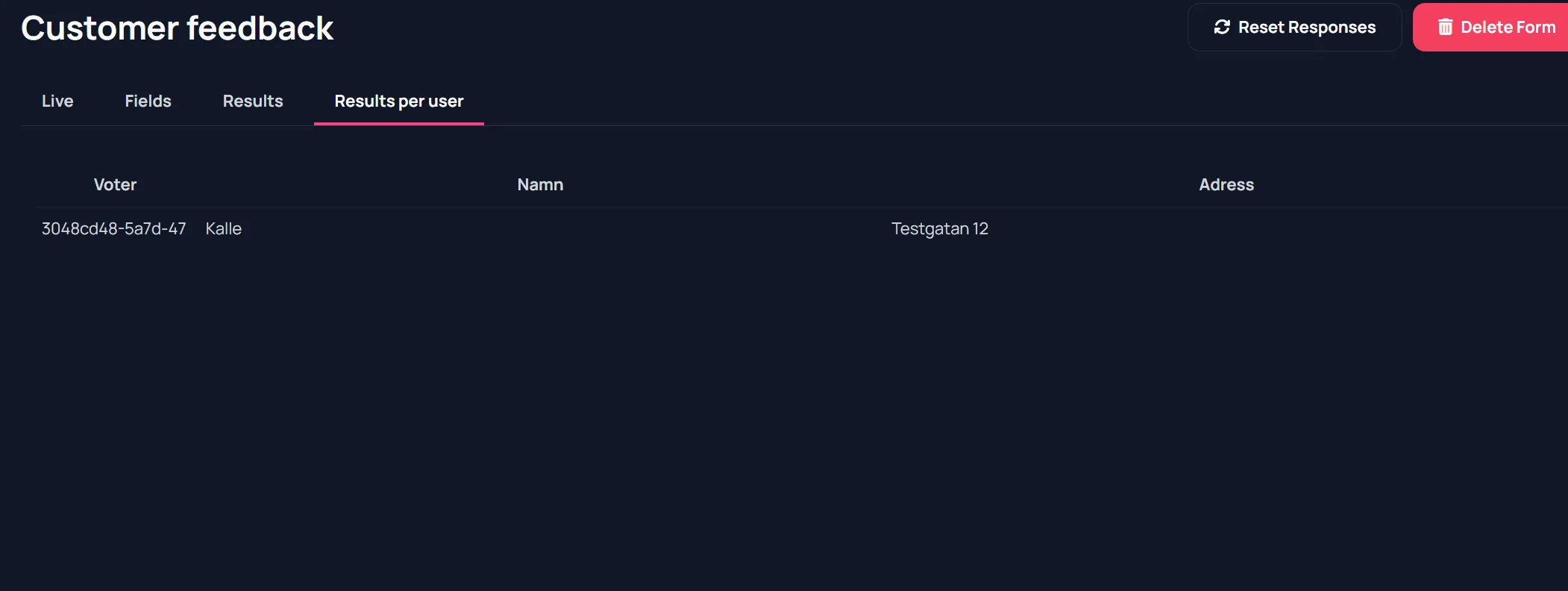
- Results per user
Top actions:
- Reset responses
- Delete form
Fields tab
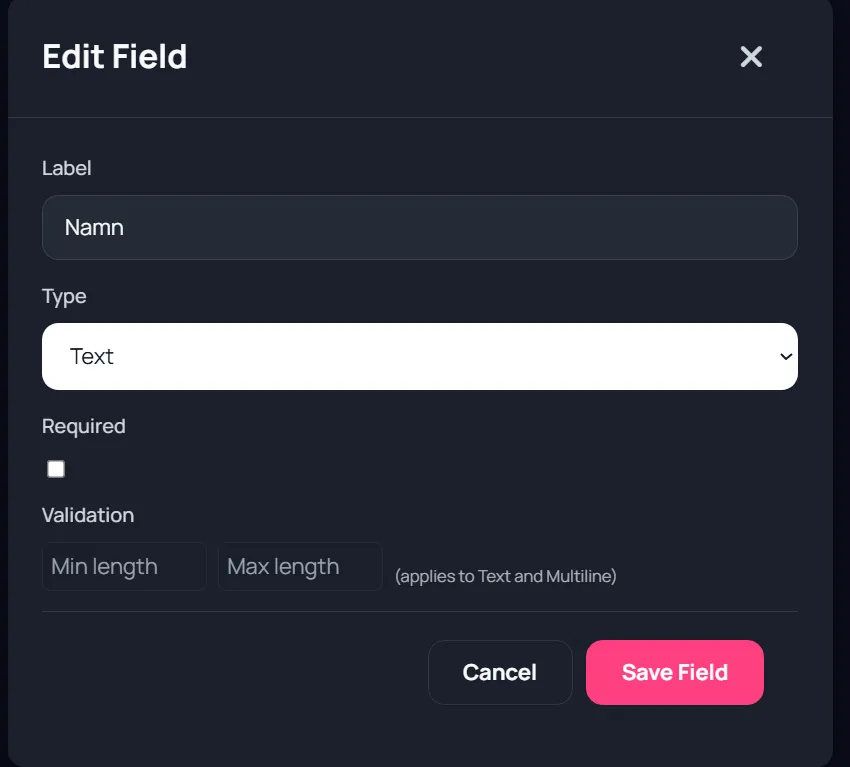
Section titled “Fields tab”You can add and edit fields with types:
- text
- multiline
- choice
- dropdown
Additional behaviors:
- Required toggle
- Option lists for choice/dropdown
- Field reorder
- Delete field
- Min/max length validation for text-based fields
Screenshot: Fields and field editor
Section titled “Screenshot: Fields and field editor”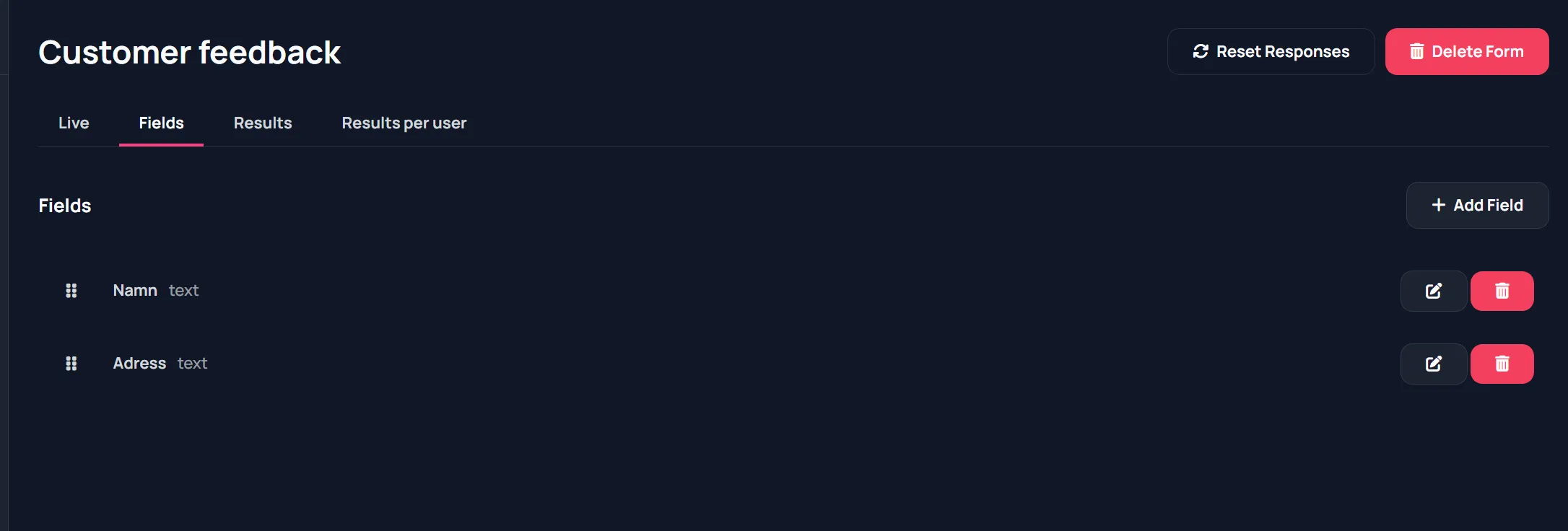
Live tab
Section titled “Live tab”- Share form via link/QR
- Open display page
- Use preview panel
Audience response flow
Section titled “Audience response flow”Audience opens display form page, fills values, and submits.
Screenshot: Audience form submit
Section titled “Screenshot: Audience form submit”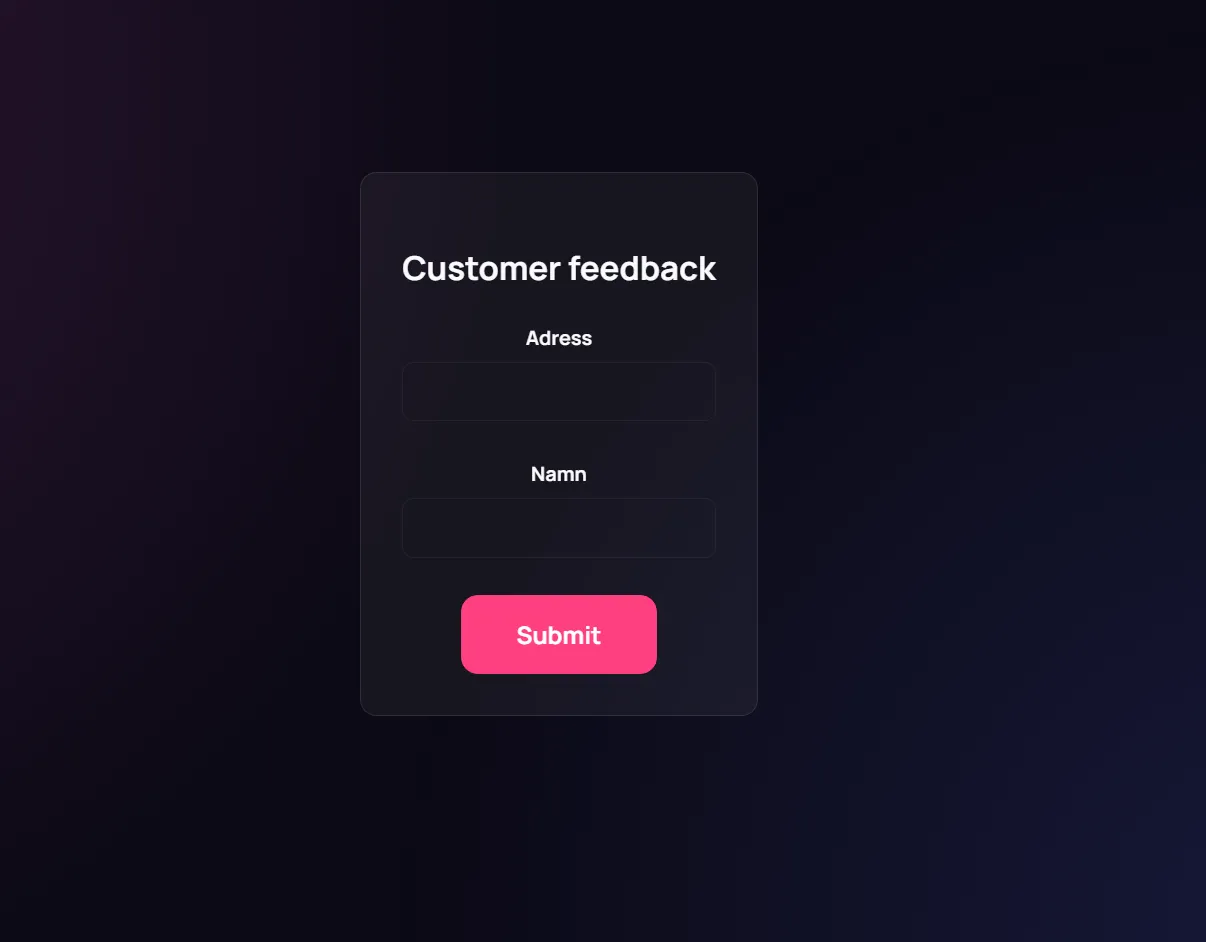
Responses are tracked with voter tokens.
Results tabs
Section titled “Results tabs”Results tab:
- Aggregated counts for option-based fields
- Response list for text fields
Results per user tab:
- Table view by voter token
- Field-by-field submitted values
Screenshot: Results and results per user
Section titled “Screenshot: Results and results per user”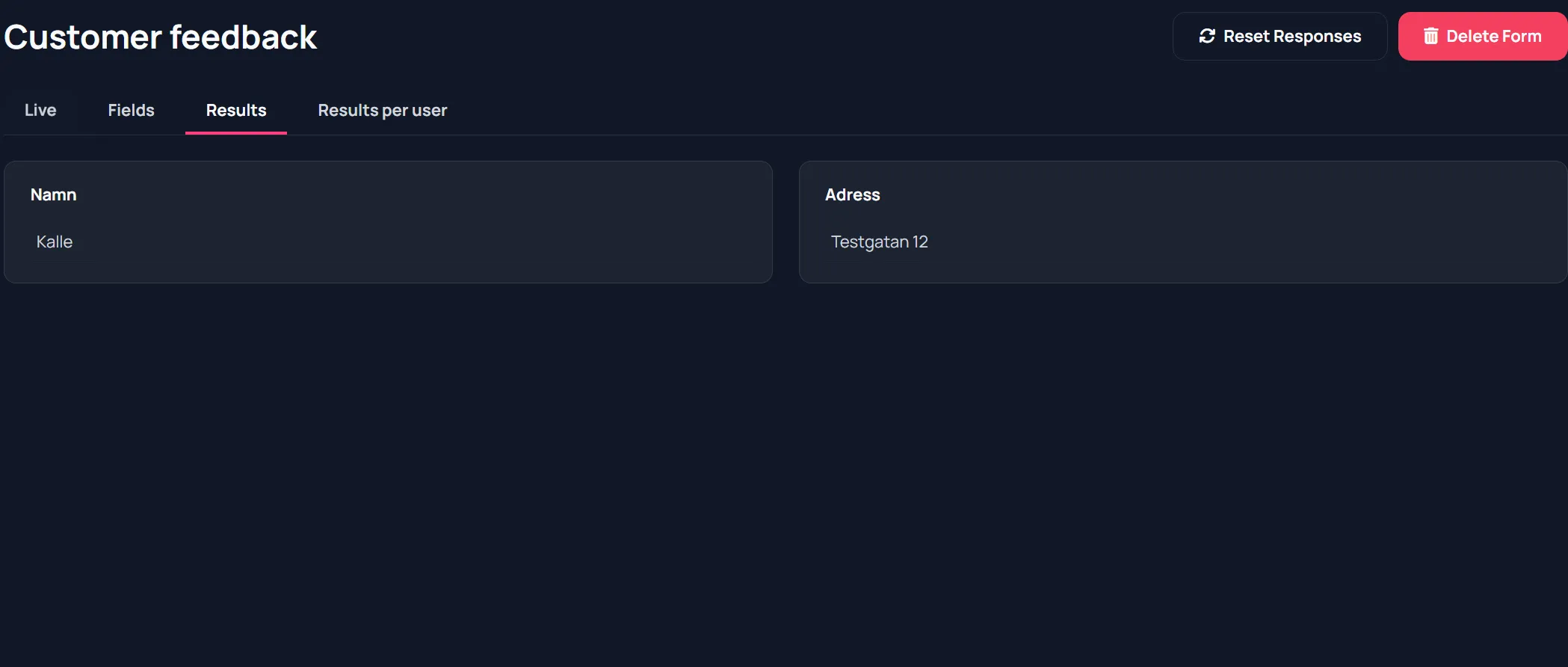
Recommended pattern
Section titled “Recommended pattern”- Build fields first.
- Test submit once from another device.
- Run live.
- Review aggregate and per-user views.